Getting Google AdSense approval for a new website can feel frustrating. You may spend weeks designing your site, publishing useful articles, and improving your pages, only to receive a rejection.
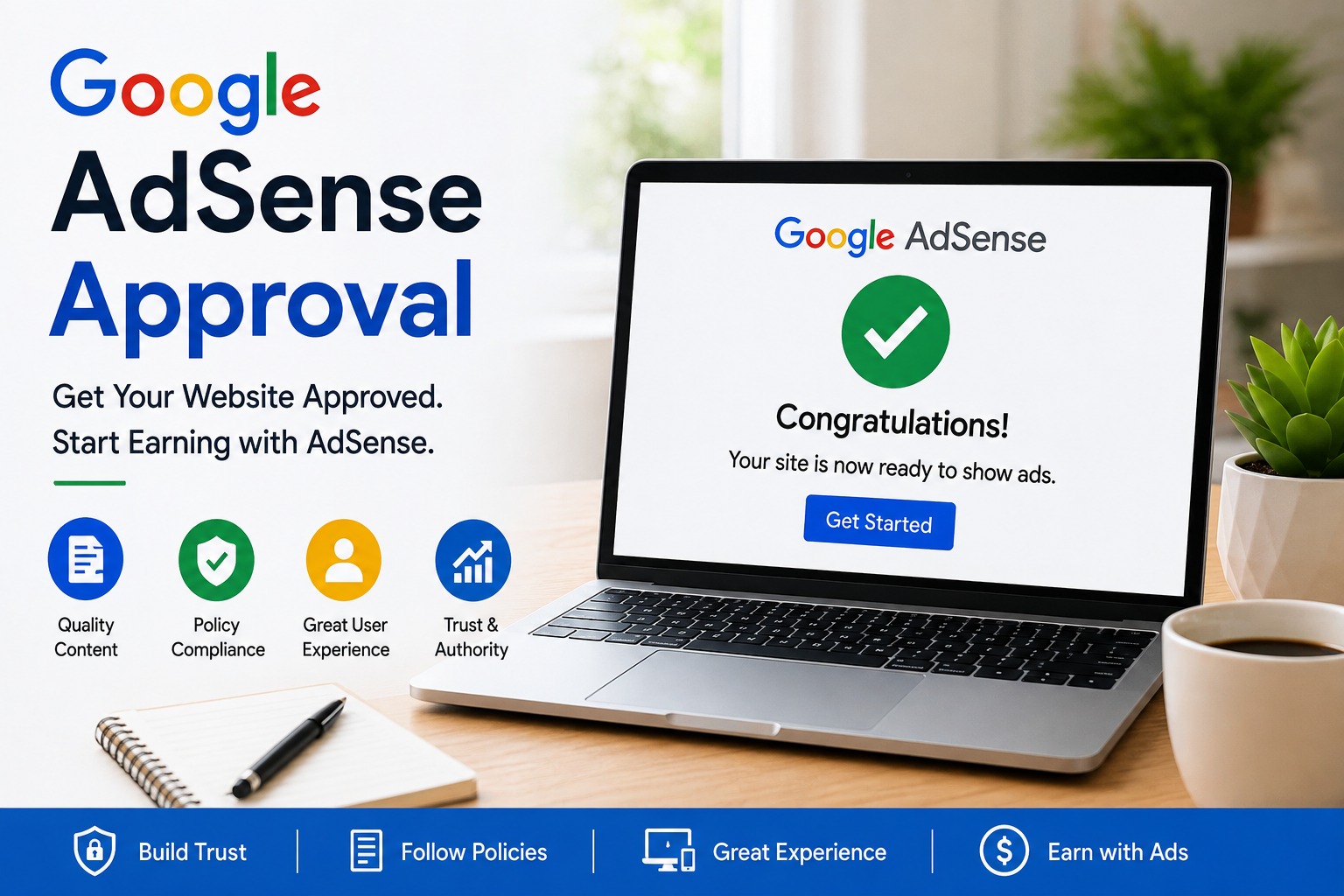
The good news is that there is no need to chase a secret approval trick. Google says AdSense applicants need their own original, high-quality content that provides value to users and complies with applicable AdSense policies.
If you want Google AdSense approval, the best approach is to build your website like a genuine digital publication. Create useful content, make the site easy to navigate, provide a good user experience, and make sure your pages follow Google’s applicable policies.
This step-by-step blueprint explains what to check before submitting your application.
Does Google AdSense Approval Depend on Traffic?
Don’t assume that you need to reach a specific traffic number before applying.
Google’s published AdSense eligibility requirements emphasize having your own unique and interesting content and complying with AdSense policies. They do not specify a universal minimum monthly traffic number as an approval threshold.
However, your website should have genuine content that attracts an audience. Avoid artificial traffic, traffic exchanges, bots, or other methods designed to manipulate visits.
The goal is simple: focus on quality, originality, and usefulness instead of vanity metrics.
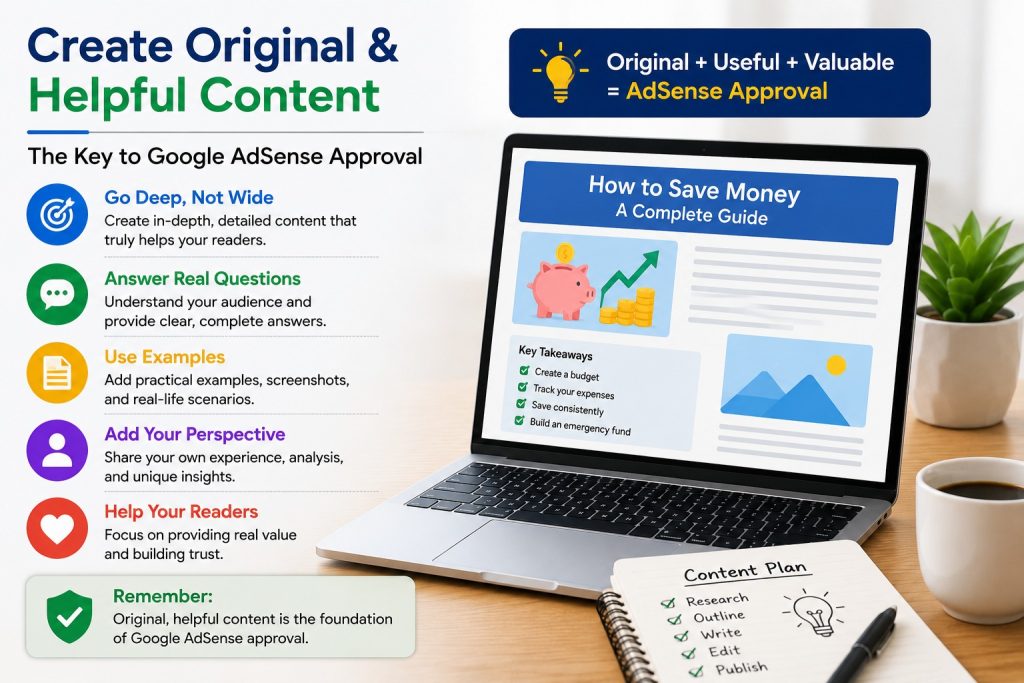
1. Publish Original and Helpful Content
One of the most important parts of an AdSense-ready website is its content.
Avoid creating large numbers of shallow articles simply to increase your page count. Google says websites may have approval problems when they lack enough original, rich content that provides value to users.
Go Deep, Not Wide
Instead of publishing a short article called “What Is an Emergency Fund?”, create a genuinely useful guide.
Explain:
- How beginners can start an emergency fund
- How to balance savings with high-interest debt
- How much someone may want to save
- Where emergency savings can be kept
- How to maintain the fund over time
For a related example, readers can also explore this guide on [building an emergency fund while paying off high-interest debt]. Building an Emergency Fund While Paying Off High-Interest Debt
Important: The URL above is the URL currently available from our conversation context, but it does not match the emergency-fund article title. Do not use that URL. Instead, in WordPress, search your Media/Posts or NextiLife article list for the exact article “How to Build an Emergency Fund While Paying Off High-Interest Debt” and link that exact article. This avoids putting the wrong internal URL into your post.
Bring Your Own Perspective
Add useful examples, comparisons, explanations, practical steps, or original analysis.
If you use external sources, don’t simply rewrite them. Add your own value.
Google’s publisher guidance warns against replicated content that merely copies, scrapes, or slightly rewrites material from other sources without adding meaningful value.
Quality Over Quantity
Don’t publish articles solely to reach an arbitrary number.
There is no official Google requirement that you must publish exactly 15, 20, or 30 articles before applying. What matters is whether your site has sufficient, useful, original content and complies with the applicable requirements.
2. Build Trust With Essential Pages
Make important website information easy for visitors to find.
Consider creating and clearly linking these pages:
About Us
Explain who operates the website, what its mission is, and what readers can expect from it.
Contact Us
Provide a working method for visitors to contact you, such as an email address or contact form.
Privacy Policy
Explain relevant information about cookies, analytics, advertising, and how visitor information is handled.
Terms and Conditions
Explain the terms that apply to visitors using your website.
Disclaimer
If you publish financial, technology, health, or cryptocurrency information, clearly explain the nature and purpose of your content where appropriate.
These pages can make your website more transparent and easier for visitors to understand.
3. Improve UX and Navigation
Don’t make visitors struggle to find your content.
Use a logical menu structure and organize articles into clear categories.
For example, a multi-topic website could use categories such as:
- Smart Finance
- Tech Fixes
- Remote Jobs
- AI Tools
- Smart Home
- Pet Care
- Solar Tech
- Crypto Education
Avoid creating large numbers of empty or nearly empty categories.
Mobile-Friendly Design Matters
Check your website on smartphones, tablets, and desktop computers.
Make sure:
- Text is easy to read
- Buttons are easy to tap
- Images fit the screen
- Menus work correctly
- Pages load properly
- Important content isn’t hidden behind intrusive elements
A clean and responsive design helps visitors navigate your content more easily.
4. Build a Smart Internal and External Linking Structure
Links should help readers and search engines understand your website.
Internal Linking
When writing about saving money, naturally link to related articles about budgeting, debt repayment, emergency savings, or investing.
For example, use relevant anchor text such as:
saving money → link to your relevant NextiLife Smart Finance article.
debt repayment → link to your relevant NextiLife Debt Payoff article.
emergency savings → link to your existing emergency-fund article.
This is your second internal-link location.
Your website currently has Smart Finance topics including Money Saving, Expense Tracking, Emergency Fund, and Debt Payoff, so these are more contextually relevant than linking to an unrelated NextiLife article.
Authoritative External Links
When making factual, financial, technical, or policy-related claims, link to trustworthy sources where appropriate.
For information about AdSense requirements, use Google’s official resources:
AdSense eligibility requirements → Google AdSense Eligibility Requirements
Google Publisher Policies → Google Publisher Policies
Google Search Console → Google Search Console
Golden Rule: Never add random links simply for SEO. Every external link should genuinely help the reader.
5. Use Safe and Relevant Images
A wall of text can make an article difficult to read, but using copyrighted images without permission can create problems.
Use:
- Your own photographs
- Properly licensed stock images
- Images that you have permission to use
- Original graphics
- Images generated under terms that permit your intended use
Don’t assume that an image found through Google Images is free to use.
Also add descriptive alt text to relevant images.
6. Check Your Website’s Technical Health
Before submitting your application, perform a basic technical audit.
Check:
- HTTPS: Your website should use a secure connection.
- Broken links: Fix dead internal and external links where appropriate.
- Mobile usability: Test important pages on smartphones.
- Page loading: Make sure important pages load properly.
- Google Search Console: Monitor indexing and search visibility.
- Sitemap: Make sure your important content can be discovered by search engines.
- Website ownership: Make sure you can access and modify your site’s HTML/code as required for AdSense.
A technically clean website makes it easier for visitors to access and navigate your content.
7. Avoid the “Guaranteed Approval” Trap
Be careful if someone promises:
“100% guaranteed AdSense approval.”
There is no legitimate SEO plugin, backlink package, or secret technique that guarantees approval.
Google reviews websites for compliance with its requirements and policies. Building a useful website and following the applicable rules is a much safer approach than relying on shortcuts.
If you are working toward Google AdSense approval, focus on creating a site that provides genuine value rather than trying to manipulate the review process.
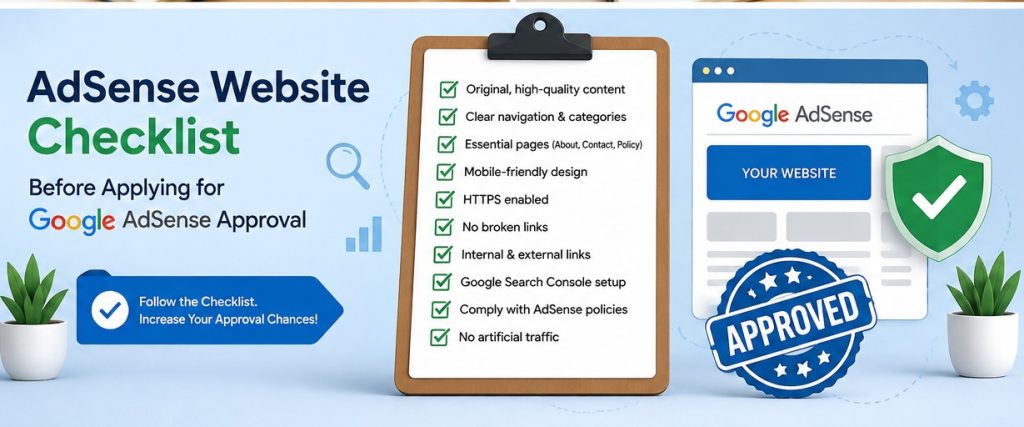
Pre-Submission AdSense Checklist
Before applying, check every item:
- Original, useful content
- Sufficient content throughout the site
- Clear menu and category structure
- About Us page
- Contact Us page
- Privacy Policy
- Terms and Conditions
- Disclaimer where appropriate
- No copied or lightly rewritten content
- Legally usable images
- Descriptive image alt text
- Relevant internal links
- Relevant authoritative external links
- Mobile-friendly design
- HTTPS enabled
- Broken links checked
- Google Search Console configured
- Sitemap checked
- Important pages accessible
- Website complies with applicable Google Publisher Policies
- No artificial traffic or ad-click manipulation
How to Improve Your Chances of Google AdSense Approval
The strongest approach is to treat your website like a real publication rather than a collection of pages created only for advertising.
Before applying, review your articles manually and ask:
- Does each article answer a genuine question?
- Is the information useful?
- Is the content original?
- Are the sources trustworthy?
- Are the images legally usable?
- Are internal links relevant?
- Is the site easy to navigate?
- Does the website work well on mobile devices?
- Are important policy pages easy to find?
- Are there any broken pages or technical problems?
If the answer to these questions is yes, your website will be in a much stronger position.
Final Thoughts
AdSense approval isn’t about finding a magic number of articles or a secret SEO shortcut.
Build your website like a real publication. Give readers useful and original information, make the site easy to navigate, use legally safe media, fix technical problems, and follow Google’s policies.
When your website is genuinely useful, complete, and policy-compliant, you’ll be in a much stronger position to submit your Google AdSense approval application.