Working from home was supposed to offer flexibility. Instead, many professionals traded commutes for constant message alerts and scattered digital files. Finding practical AI workflow tools is the simplest way to automate repetitive tasks and protect your focus time.
Top performers do not log longer hours to stay ahead. They replace manual routines with structured automations that streamline communication, task management, and documentation.
1. Ditch Status Meetings with AI Workflow Tools
Midday meeting fatigue drains creative energy and disrupts deep focus blocks.
High-output teams replace routine status calls with clear, asynchronous documentation:
- Voice-to-Text Action Items: Instead of typing long briefs, record brief audio thoughts and use tools like Otter.ai to generate structured action items with assigned deliverables.
- Centralized Team Boards: Keep project statuses updated on shared dashboards so team members track progress without scheduling extra alignment meetings.
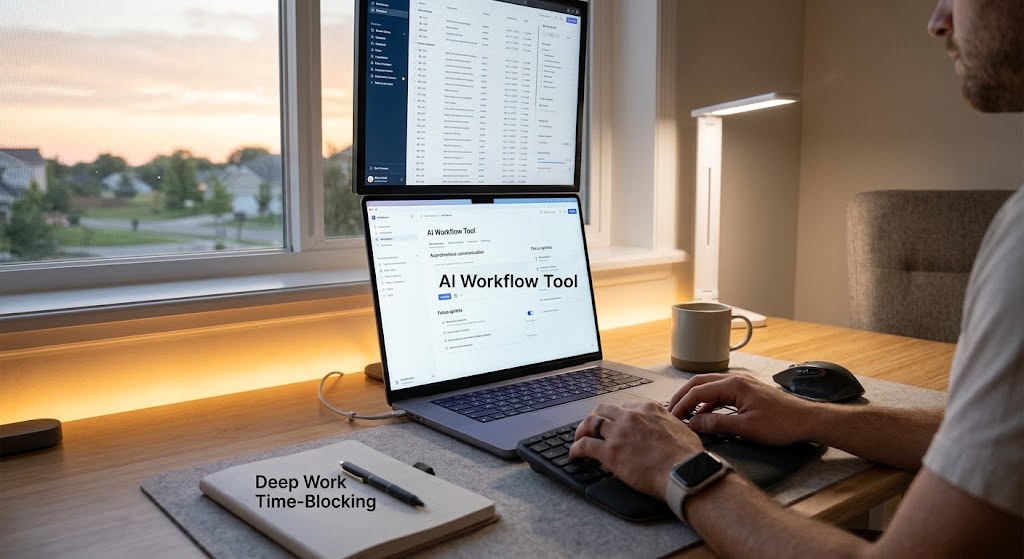
2. Protect Focus Blocks with Deep Work Time-Blocking
Switching rapidly between client emails and technical tasks leads to mental fatigue.
- 90-Minute Sprint Blocks: Group related tasks together and lock them into your daily calendar. Keep chat statuses on “Do Not Disturb” during these focus windows.
- Smart Inbox Filtering: Route non-urgent emails into dedicated folders to keep priority projects uninterrupted. Explore these actionable digital productivity and workflow strategies to see how batching improves long-term project delivery.
3. Build a Second Brain Using AI Workflow Tools
Keeping dozens of browser tabs open slows down project execution and creates clutter.
- Connected Workspaces: Use databases like Notion to store project briefs, reference links, and guidelines in one searchable hub.
- Modular Templates: Create standardized frameworks for common documents and client reports rather than writing them from scratch every week.
4. Optimize Desk Hardware for Sustained Daily Stamina

Workspace layout directly impacts physical energy and clarity during long screen sessions.
- Vertical Display Alignment: Place reference materials on an upper display to reduce neck and shoulder tension during research.
- Gradual Evening Lighting: Use daylight lighting during morning sessions and shift to warmer amber lighting as the workday wraps up to prevent eye strain.
5. Enable Clean Task Handoffs Across Time Zones
Distributed teams require reliable handoff procedures so projects progress continuously across time zones.
- Short Screen Recordings: Replace multi-paragraph text guides with concise screen walkthroughs using Loom.
- Triggered Automations: Set up rules where completed design or code tasks instantly assign the next review steps to collaborators.
Integrating these AI workflow tools and asynchronous habits creates an organized system where daily output scales naturally without causing burnout.